Compress Image to a Target Size
Drop a photo and it's auto-compressed to fit common form limits — right in your browser. Adjust the target only if you need to.
or drop files (JPG · PNG · WEBP · GIF · BMP & more)
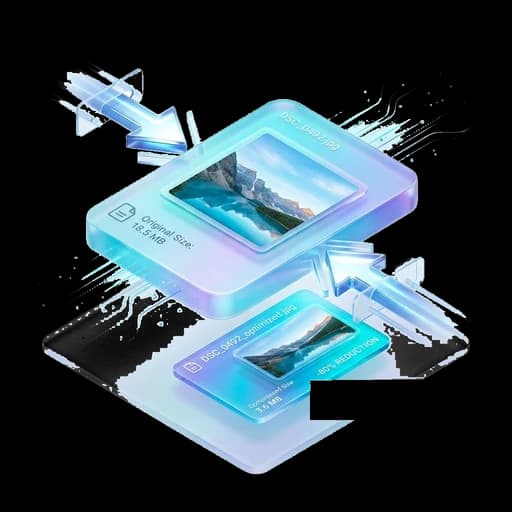
Compressing an image means making its file smaller — measured in KB or MB — without changing what it shows. Online forms cap the size (often 20, 50, 100 or 200 KB), and phone photos are far bigger than that. This tool shrinks a JPG, PNG or WebP to the exact size you need, right in your browser, so the photo never leaves your device.
Common uses
Exam & government forms
Fit a passport photo or document under a strict KB limit for SSC, UPSC, state PSC, UIDAI or Passport Seva.
Job applications
Trim a resume photo or scanned certificate so a careers portal stops rejecting it for size.
Email attachments
Bring a big image under an attachment cap so it actually sends.
Faster web pages
Compress photos before uploading to a website or blog so pages load quicker.
WhatsApp & sharing
Reduce a large image so it uploads instantly on slow connections.
Cloud storage
Save space by shrinking images you only need at screen quality.
How to do it
- 1Drop your JPG, PNG or WebP into the box above — it starts compressing immediately, no click needed.
- 2Check the before/after preview and the size shown underneath.
- 3Need an exact number? Open “Adjust manually” and pick a preset (20 / 50 / 100 / 200 KB) or type your own target.
- 4Download the result.
Frequently Asked Questions
Will compressing lower the quality?
A little, but the tool keeps the best quality that still fits the target size. For form photos the difference is usually invisible. If it looks soft, open “Adjust manually” and raise the target size.
Is my image uploaded to a server?
No. Image compression runs entirely in your browser using the Canvas API. The file never leaves your device.
What’s the smallest size I can reach?
Very small — the tool will downscale the image if needed to hit tight limits like 20 KB. For extreme limits, resizing the dimensions first gives the cleanest result.
Which formats are supported?
JPG, PNG and WebP. Photos usually come out smallest as JPG.
Related Tools
Upload without leaving your form
UploadEze detects upload limits automatically on exam, job, and government portals, fixes your file, and injects it straight into the input.