Split PDF File Online
Extract specific pages or page ranges from your PDF document instantly. Fast, free, and completely private.
or drop PDF file here
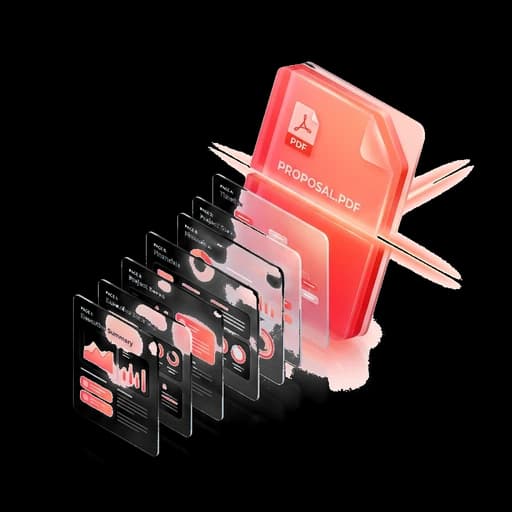
Extract individual pages or select specific page ranges from a large PDF document. Fast, precise, and completely private in your browser.
Common uses
Extract specific certificates
Pull out only page 2 or pages 5-8 from a 20-page scanned document.
Remove cover pages
Extract content pages without unwanted cover sheets or disclosure pages.
Email limits
Split a massive document into smaller sections that fit email attachment limits.
How to do it
- 1Drop your PDF into the box above.
- 2Enter the page numbers or ranges you want to extract (e.g. 1-3, 5).
- 3Click “Split PDF”.
- 4Download your extracted PDF immediately.
Frequently Asked Questions
Can I enter multiple page ranges?
Yes. You can specify single pages (e.g. 2, 4) or hyphenated ranges (e.g. 1-5, 8-10).
Does splitting degrade text or image quality?
Not at all. The original page data is copied without recompression or quality loss.
Related Tools
Upload without leaving your form
UploadEze detects upload limits automatically on exam, job, and government portals, fixes your file, and injects it straight into the input.